
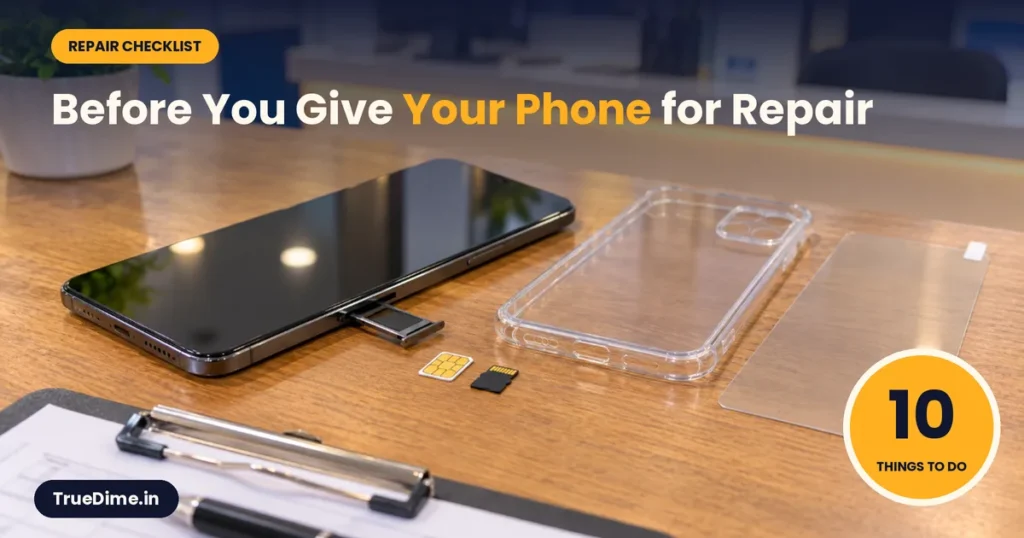
Most repair horror stories start the same way. Someone hands over a phone at the counter, nods at a quick explanation, and finds out a week later that the data is gone, the estimate has doubled or a scratch has appeared on the back. The good news is that a few minutes of preparation prevents almost all of it. Here is what to do before giving your phone for repair, whether you are going to an authorised service center or a local shop.
Quick Answer: Before Giving Your Phone for Repair
- Back up your photos, chats and contacts.
- Sign out of your accounts and turn off device tracking.
- Note the IMEI or serial number.
- Photograph the phone from every side.
- Get a job sheet and a written estimate before work starts.
The rest of this guide explains each step to follow before giving your phone for repair, and adds five more that people forget.
1. Back Up Everything
Repairs sometimes need a reset, and a failed repair can mean data loss. Samsung's own warranty terms say the company is not responsible for lost data or records after a repair, and that is a fair warning for any brand.
Back up photos, chats, contacts and files to your Google account, iCloud or a computer. Open the backup on another device to confirm it actually worked.
2. Sign Out and Turn Off Device Tracking
Remove your Google, Samsung or Apple account before handing the phone over. On an iPhone, turn off Find My iPhone, since service centers often ask for this before they can work on the device.
If the phone does not switch on at all, you may not be able to do this. In that case, tell the staff and note it on the job sheet.
3. Remove the SIM, Memory Card and Cover
Before giving your phone for repair, take out your SIM card and any memory card. Remove the back cover and the screen guard too. A SIM left inside is a privacy risk, and a card left behind is easy to lose.
4. Note the IMEI or Serial Number
Dial *#06# on the phone dialer to see the IMEI, or open Settings and look under About phone. Write it down and make sure the same number is entered on the job sheet. This protects you from a swap and helps if you need to raise a complaint later.
5. Take Photos of the Phone
Photograph the front, back, sides and corners in good light. Also take a short video of the screen turned on, if it works. If a scratch shows up later, these photos settle the argument quickly.
6. Carry Your Invoice and Check the Warranty First
Check the warranty before giving your phone for repair, because a warranty repair can be free while a local shop will charge you. Samsung's terms say proof of purchase is a pre-requisite for claiming warranty, so carry the bill.
Our guides on Samsung warranty check and iPhone warranty check show how to find out in a few minutes.
7. Get a Job Sheet in Writing
Never leave a phone without a job sheet, also called a job card. It should show your name and number, the date, the phone model, the IMEI, the fault in your own words and the condition of the phone.
Ask for a ticket number as well, so you can track the repair or quote it later if you need to escalate.
8. Ask for the Estimate Before Any Work Begins
Ask for a written estimate and tell them to call you for approval if the cost goes up. Without that, a small repair can quietly turn into a big bill.
If you are out of warranty, it helps to compare prices first. Our battery replacement cost guide shows the kind of range to expect for common repairs.
9. Ask Which Parts Will Be Used
Ask whether the replacement part is new, refurbished or compatible. Even authorised centers can use different grades of parts. Samsung's terms say it may use parts or accessories that are new, refurbished or reconditioned during a repair.
Whatever the answer, ask them to write the part type on the job sheet or bill.
10. Test Everything Before You Leave the Counter
When you collect the phone, do not rush out. Check the touch, camera, speaker, microphone, charging, Wi-Fi and the fingerprint sensor. Compare the body with your photos.
Keep the final bill and the repair warranty details. A shop that stands behind its work will put the repair warranty on the bill. Also remember that a warranty does not stretch because the phone was in the shop. Samsung's terms say repair time is not added to the warranty period.
Where to Go for the Repair
Once the steps for before giving your phone for repair are done, pick where to go. If the phone is in warranty, go to an authorised center. If not, compare your options. Our authorised service center vs local repair shop guide explains how to choose, and you can find authorised centers near you in our service center directory.
Banner photo adapted from a photo by Umshushima, CC BY-SA 4.0, via Wikimedia Commons.