
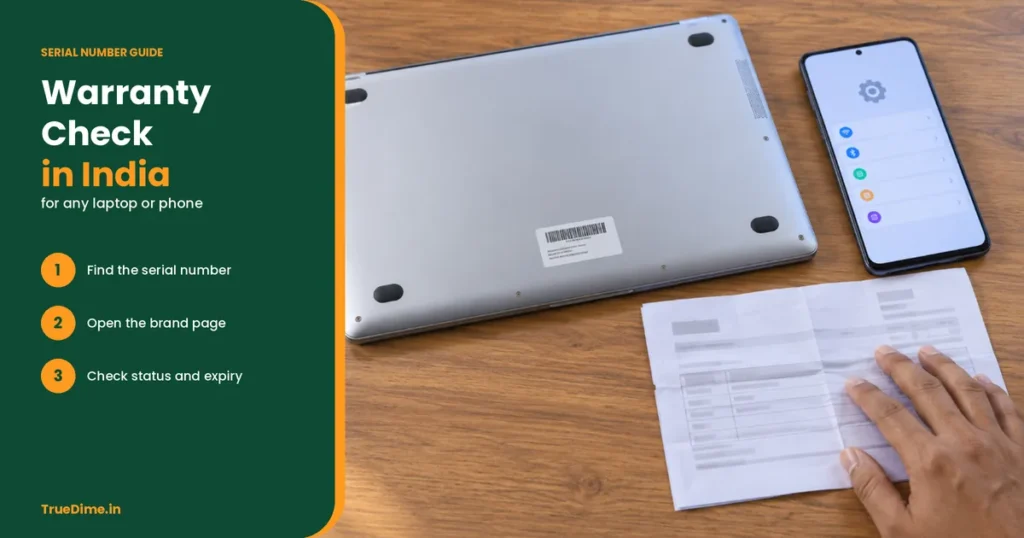
Not sure if your laptop or phone is still covered? A warranty check takes about two minutes, and you only need one number: the serial number (or the IMEI for phones).
This guide shows how to do a warranty check in India for any brand, where to find that number, and what to do when the answer is "expired" or "not found".
Quick Answer: How to Do a Warranty Check
- Find the serial number. On a laptop it is printed on the bottom cover. On a phone, open Settings and check About phone.
- Open the brand's official warranty page. Pick your brand from the table below. Always type the address yourself or use the link in this guide.
- Enter the number and read the result. You will see the status and the expiry date. Keep your purchase invoice too, because service centers in India usually ask for it.
What You Need Before a Warranty Check
Keep these four things ready:
- Serial number or IMEI. This is the number the brand uses to find your exact device.
- Model name. For example Inspiron 15 or Galaxy A15.
- Purchase invoice. The invoice date is what most service centers use to count your warranty period.
- Purchase date. A photo of the bill on your phone is enough to start.
How to Find Your Serial Number or IMEI
On a laptop
- Check the label. Look at the bottom cover or under the battery. It is marked S/N, Serial No. or Service Tag.
- Use Windows. Open PowerShell and run
Get-CimInstance Win32_BIOS | Select-Object SerialNumber. - Use a Mac. Click the Apple menu, then About This Mac.
- Use the brand app. Dell SupportAssist, HP Support Assistant and Lenovo Vantage usually show it automatically.
On a phone
- Android. Go to Settings, About phone, then Status or IMEI information.
- iPhone. Go to Settings, General, About.
- Any phone. Dial *#06# to see the IMEI on screen.
Serial numbers are easy to misread. Zero and the letter O look alike, and so do 1 and I. Zoom in on a photo of the label before you type it.
Warranty Check by Brand
Every brand has its own lookup page. Use the official one, and read our brand guide if you want the full steps.
| Brand | You enter | Official page | Our guide |
|---|---|---|---|
| Dell | Service Tag or Express Service Code | Dell warranty page | Dell guide |
| HP | Serial number (product number if asked) | HP warranty checker | HP guide |
| Lenovo | Serial number | Lenovo lookup | Coming soon |
| Apple | Serial number | Check Coverage | iPhone guide |
| Samsung | Invoice and Samsung account | Samsung India | Samsung guide |
| OnePlus | See guide | OnePlus India | OnePlus guide |
| Realme | See guide | Realme India | Realme guide |
Two details trip people up. Dell's Service Tag is a 7 character code, and its numeric twin is the Express Service Code. HP uses two different numbers, the serial number and the product number, and its checker may ask for both on older machines.
If your brand is not listed, search the brand name with "warranty status" on its India website, or ask at the nearest authorised service center. Dell owners can also open our Dell service center directory.
What Your Warranty Check Result Means
- Active. You are covered. Note the expiry date, and keep the invoice with it.
- Expired. The standard warranty has ended. You can still get repairs, but you will pay for them.
- Extended or care plan. Some devices show a paid plan on top of the base warranty. Check the end date of each separately.
- Not found. The brand could not match your number. See the next section.
What to Do If Your Warranty Has Expired
An expired warranty does not mean you are stuck. Get a quote from an authorised center first, then compare it with a local shop. Our guide on authorised service center vs local repair shop explains the trade-offs. If you are repairing a laptop, check the typical price first in our laptop motherboard repair cost, laptop screen repair and laptop battery guides, so you know what a fair price looks like.
What If the Serial Number Is Not Found
Try these fixes in order:
- Re-type it slowly. Watch for 0 and O, and 1 and I.
- Use the other number. Some brands ask for a product number or Service Tag, not the serial number.
- Try again after a few days. A very new purchase may not be registered yet.
- Carry the invoice to a service center. Staff can check the record on their own system.
- Call brand support. Keep the serial number and invoice ready.
Watch Out for Fake Warranty Checker Sites
Search results often show third party sites that look official. Use only the brand's own domain, which usually ends in the brand name. A warranty check does not need a payment, an OTP or your bank details. If a site asks for any of these, close it. Our guide on how to verify a genuine authorised service center also helps you avoid fakes.
Frequently Asked Questions (FAQ)
How do I do a warranty check by serial number?
Open the brand's official warranty page, type the serial number exactly as printed, and submit. The page shows your status and expiry date.
Can I do a warranty check without the invoice?
Yes, the online lookup only needs the serial number. A service center will still ask for the invoice when you make a claim, so keep a photo of the bill.
Does the warranty start from the purchase date or the manufacture date?
Most brands count from the invoice date. If you have no invoice, rules differ by brand, so ask the brand's support team.
Can I use the IMEI for a phone warranty check?
Some brands accept the IMEI, others ask for the serial number or an account sign in. Check the brand guide linked in the table above.
Is a warranty check free?
Official brand lookups do not charge for the check. Be careful with sites that ask you to pay.
What if I bought my device second-hand?
Coverage depends on the brand. Some tie it to the device, while others need ownership transferred. Ask the brand before you buy.