Service Center 19 hours ago
Dell Warranty Check in India: How to Use Your Service Tag
Dell warranty check in India: find your Service Tag, check coverage on Dell's support page, and learn what to do if your…

The most complete directory of OnePlus authorised service centers across India, organised by city, with ratings, hours and repair cost references updated for 2026.
At TrueDime, we provide a comprehensive directory for OnePlus device repairs across India. Whether you own a smartphone, tablet, or wearable, our network of authorized service centers is ready to assist you with expert care.
Discover quick and reliable repairs for your OnePlus devices. From screen replacements to software troubleshooting, we ensure that your device gets the attention it deserves.
We partner with a network of trusted service providers.
Authorisation status can change.
Many common problems can be resolved at home without a service visit. Work through these steps first — it could save you time, travel and a repair fee.
If the device remains unresponsive, seek professional assistance.
Contact customer support if freezing continues.
If problems persist, visit a service center.
| Repair | Typical time |
|---|---|
| Pick-up service | 7 to 10 working days |
| Walk-in service | 2 hours |
Individual centres may take longer when parts have to be ordered — call ahead for complex repairs.
Repairs at authorised centers do not affect your manufacturer's warranty.
Our authorised network services OnePlus smartphones, tablets, wearables, and TVs.
Check the brand's own official service center locator/website before visiting.
Prepare proof of purchase, a valid ID, and ensure your device is backed up.
TrueDime currently tracks 1 verified OnePlus service centers across 1 cities in India.
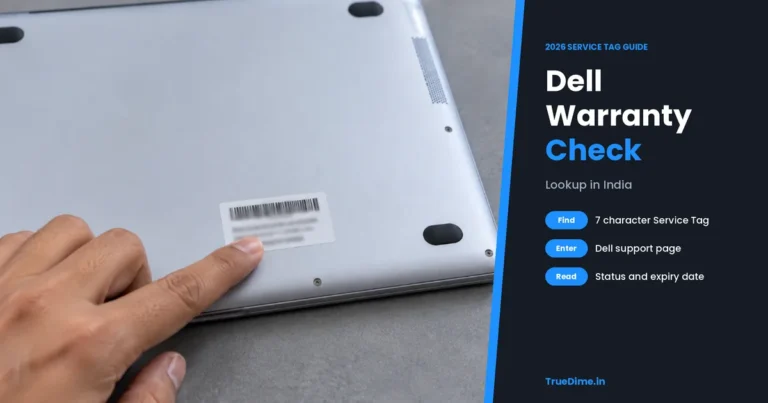
Dell warranty check in India: find your Service Tag, check coverage on Dell's support page, and learn what to do if your…
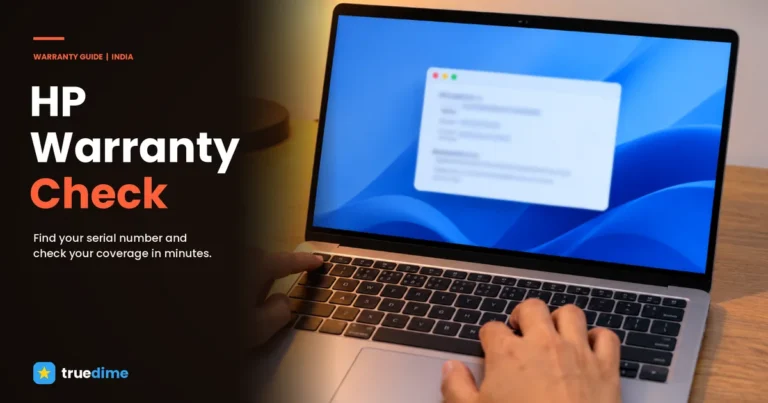
HP warranty check in India: find your serial number, use HP's official warranty checker, and fix common errors like a serial number…
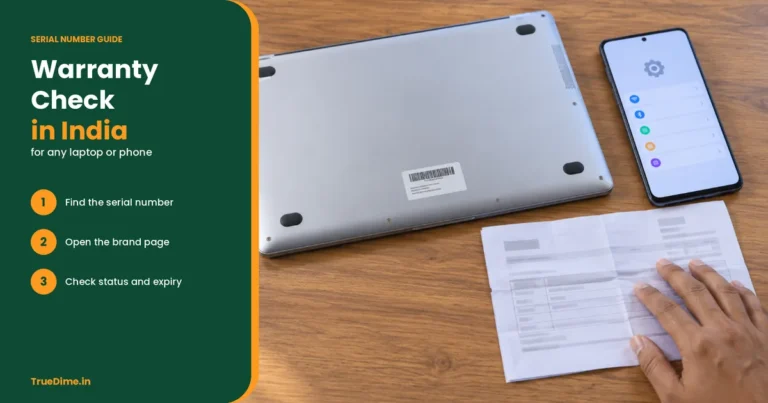
Warranty check in India for any laptop or phone: find your serial number, use the brand's official page, and see what to…
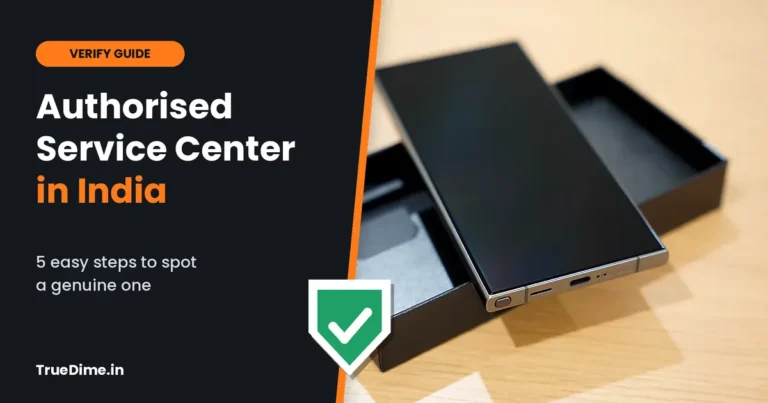
Learn how to verify an authorised service center in India in 5 simple steps, spot fake shops and protect your warranty before…
Do a realme warranty check in India with your IMEI. Learn how to read the result, what the warranty covers and what…
A simple OnePlus warranty check in India using your IMEI, plus what the 1 year warranty covers, what voids it, and what…